· Security · 4 min read
Quishing Is Rising: How to Scan QR Codes Safely (and What Qrblox Does Differently)
QR codes are everywhere—and so are quishing scams. Here’s how these attacks work, what to watch for, and how Qrblox helps you preview links before you tap.
Quishing: the QR code scam most people don’t see coming
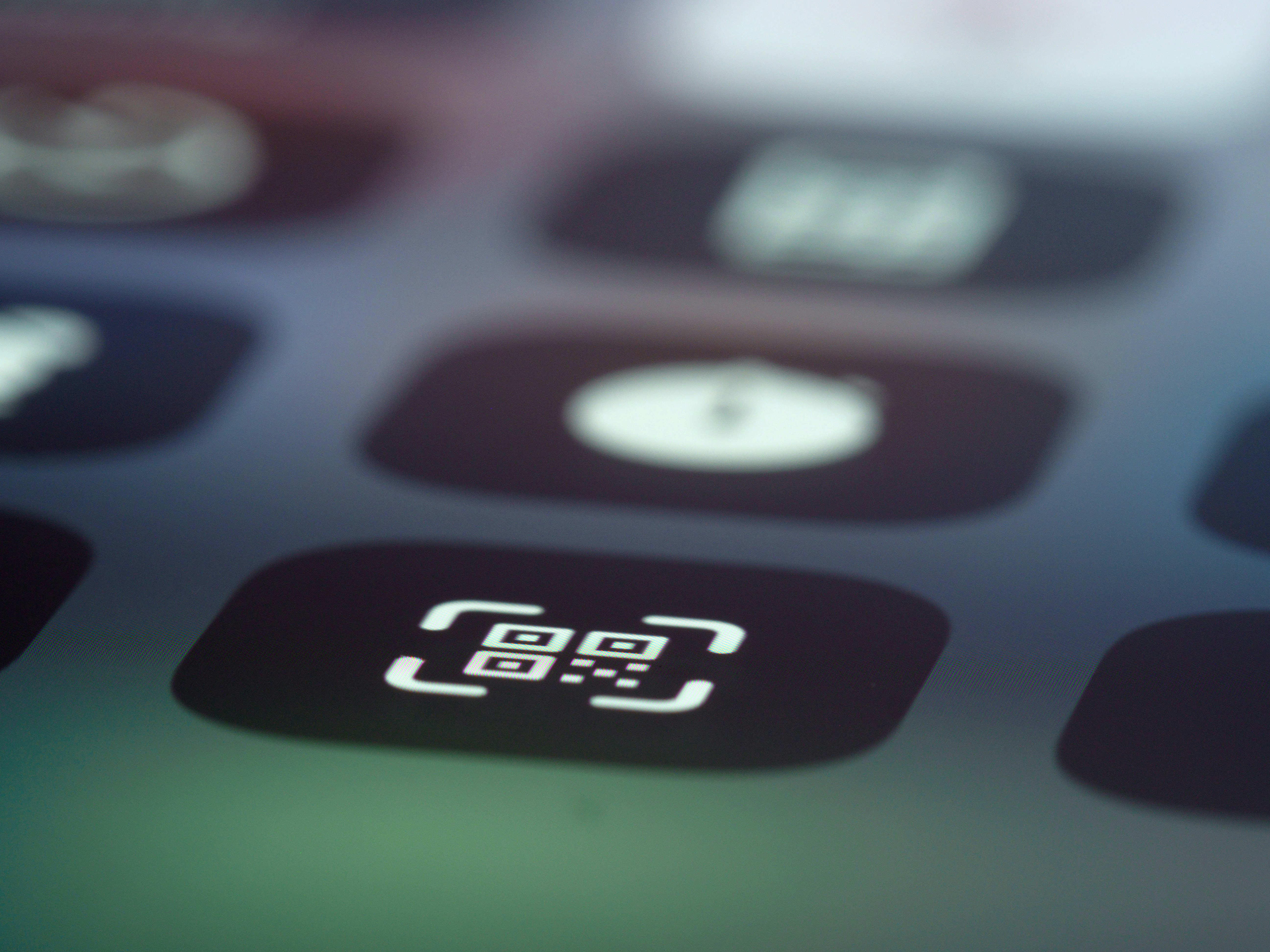
QR codes have become part of everyday life—menus, parking meters, event posters, product packaging, payment terminals, you name it. They’re fast and convenient, which is exactly why scammers love them.
A growing threat called “quishing” (QR-code phishing) uses QR codes to trick you into visiting fake websites designed to steal logins, payment details, or other sensitive information. The danger is that a QR code doesn’t look suspicious—it looks like a normal square you’ve scanned a hundred times.
This post is based on coverage of Qrblox and quishing risks published by The Insider Weekly:
New app aims to combat rising threat of QR code phishing
How quishing scams work (in real life)
Quishing attacks usually follow one of these patterns:
1. A fake QR code placed over a real one
A scammer prints a sticker with a malicious QR code and places it over the legitimate code on:
- parking meters
- restaurant tables
- public posters and kiosks
- product displays
You scan, the camera opens a link, and you land on a convincing “payment” or “login” page.
2. A QR code sent digitally to look official
Some scams show up in emails and texts pretending to be from:
- banks
- shipping/delivery services
- government agencies
- customer support
The QR code is the hook: “Scan to verify your account” or “Scan to resolve a delivery issue.”
Why QR codes became a bigger target lately
QR codes went from “sometimes” to “everywhere,” especially with the rise of contactless menus and payments. As usage exploded, scanning became automatic—many people scan without pausing to check where the link goes.
That habit is exactly what quishing relies on.
What Qrblox does differently than a default camera scan
Most built-in camera scanners are optimized for speed: scan → open the website. That’s convenient, but it can also remove your chance to evaluate the link.
Qrblox is designed to add a safety step in the middle.
Scan QR codes from anywhere (not just live camera)
Qrblox can scan codes from:
- photos you already took
- screenshots
- images saved in your gallery
That’s especially helpful when a QR code appears digitally (like a screenshot of a menu or a social post).
If you’ve ever wondered how to capture a QR code cleanly, this guide helps:
How do you take a picture of a QR code?
Preview the URL before you visit
Instead of immediately redirecting, Qrblox:
- shows you the actual URL
- provides an AI-generated summary of what the destination appears to contain
That “preview first” moment is often the difference between:
- “Oh, that looks normal” ✅
and - “Why is this a weird domain?” 🚫
Quick checklist: safer QR scanning habits
Even if you use a security-focused scanner, good habits still matter:
- Look for tampering: stickers placed over existing codes
- Be skeptical of urgency: “Scan now or your account will be locked”
- Avoid unsolicited QR codes from random texts/emails
- Read the URL (domain + spelling) before you proceed
- Never enter passwords or payment info unless you’re confident it’s the real site
If QR scanning is failing or behaving strangely on your phone, this post can help troubleshoot before you try again:
QR code not working on iPhone? Fix it with Qrblox
Extra layers: chat + history + habits
Qrblox also includes features meant to make “safe scanning” easier to stick with:
- Scan history with calendar/stat views, so you can review what you scanned
- AI chat tools to help you understand what a destination is before you visit
- A lightweight daily scanning habit (including daily activity/leaderboard style gamification)
The goal is simple: keep QR codes convenient, but make them less “blind.”
Bottom line
Quishing works because QR codes feel normal—and because many scanners take you straight to a site before you’ve had a chance to think. The safest approach is to slow the flow down just enough to verify what you’re about to open.
If you scan QR codes in public places or get QR codes sent to you digitally, consider using a scanner that lets you preview links first, not after.
Scan QR codes with a safety preview
Qrblox helps you inspect URLs and understand destinations before you tap through.