· Features · 1 min read
QR Code Analytics & Scan Tracking — Real-Time Data
Track QR code scans with real-time analytics. See scan locations, devices, and trends. Free QR code tracking with Google Analytics integration for businesses.
Track Every QR Code Scan with Real-Time Analytics
Know exactly who scans your QR codes, where, when, and on what device. Qrblox gives every business owner a real-time analytics dashboard — see scan trends, measure campaign ROI, and make data-driven decisions about your marketing.
Start Tracking Your QR Codes
Create dynamic QR codes with built-in analytics. See who scans, where, and when — all for free.
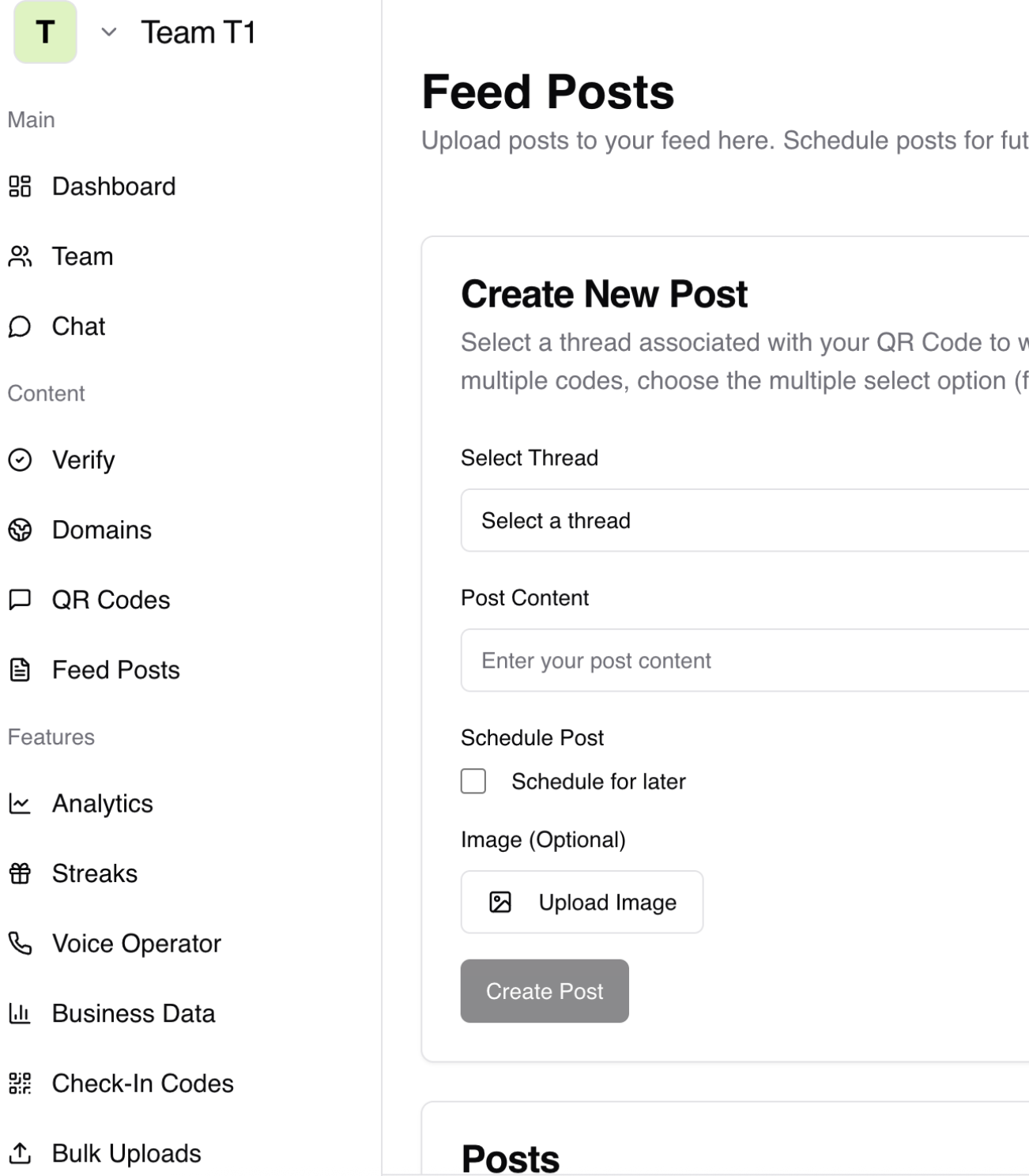
Analytics Dashboard
What Qrblox Analytics Tracks
Every dynamic QR code and smart link comes with comprehensive scan analytics built in.
Scan Location
See which cities, states, and countries your scans come from. Identify your best-performing locations and markets.
Device & OS
Track whether scans come from iPhone, Android, tablet, or desktop. Optimize your landing pages for the devices your audience uses.
Time & Trends
See scan activity by hour, day, week, and month. Identify peak engagement times and plan promotions accordingly.
Total vs Unique Scans
Distinguish between total scans and unique visitors. Understand how many new customers discover your QR codes vs repeat scanners.
Campaign Comparison
Compare scan performance across different QR codes, locations, and time periods. See which campaigns drive the most engagement.
Real-Time Updates
Analytics update in real time. See scans as they happen — no waiting for reports or data processing delays.
Beyond Tracking
From Scans to Customer Relationships
Analytics + Business Portal
Qrblox doesn’t just track scans — it turns scan data into customer connections through your business portal.Scan-to-Feed Pipeline
When a customer scans your QR code, they connect to your business feed on Qrblox. Analytics show you who is engaging, and the feed lets you send them updates, offers, and promotions.
Verified Business Dashboard
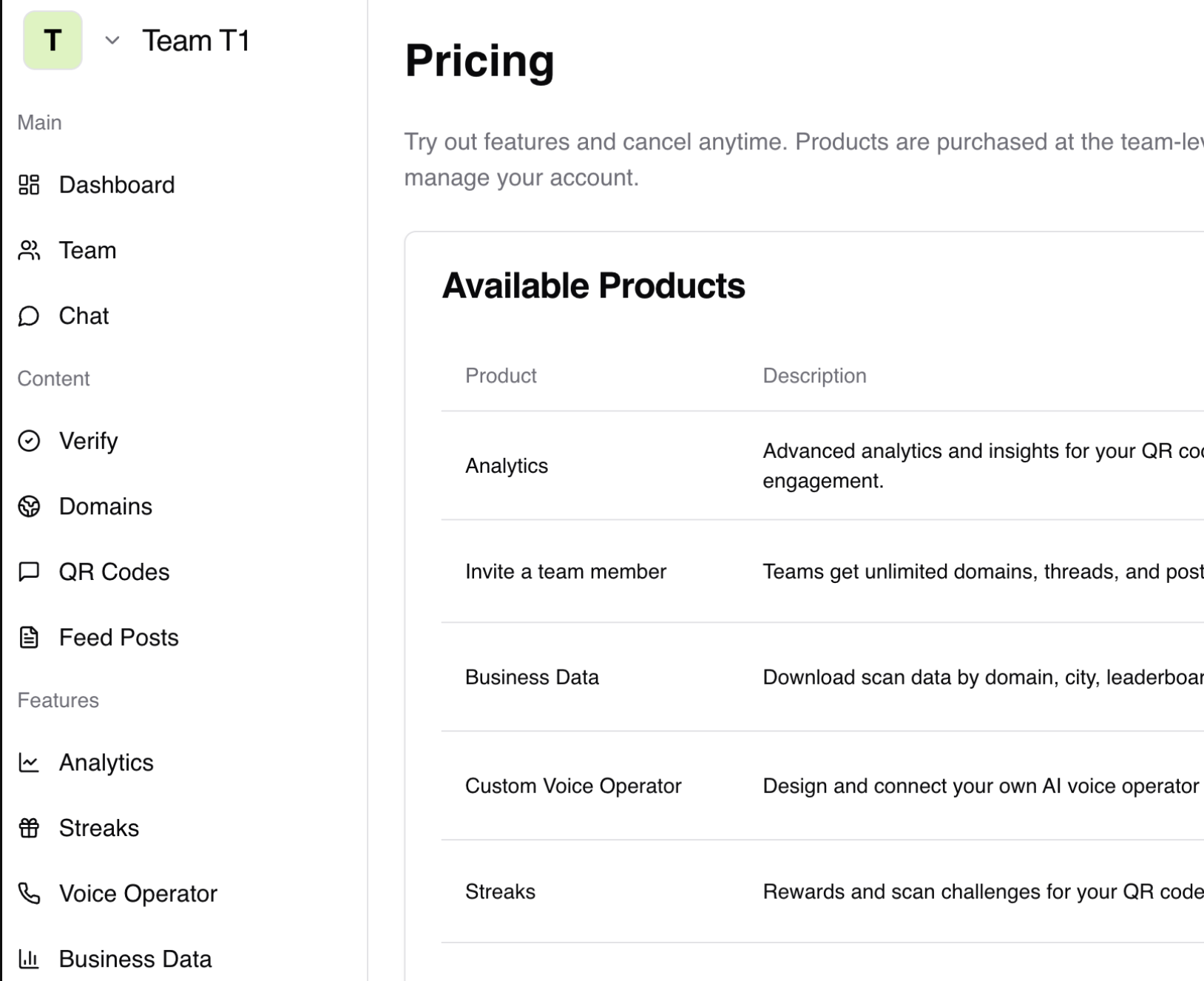
Your analytics live inside the Qrblox Business Portal. Verify your business and domain to access the full dashboard with team sharing, historical data, and export capabilities.
Multi-Location Tracking
Track QR codes across multiple business locations. See which storefronts, events, or marketing channels drive the most scans and customers.
Team Access
Share analytics with your team. Add team members to your business portal so marketing, operations, and management can all see scan performance data.
Getting Started
How to Start Tracking QR Code Scans
Set up scan tracking in minutes. No technical skills required.
Create a Dynamic QR Code
In Qrblox, select "Dynamic" when creating a new QR code. Dynamic codes route through our tracking system so every scan is recorded.
Deploy Your Code
Download and print your QR code. Place it on menus, signage, business cards, packaging, or anywhere customers can scan it.
Watch the Data Roll In
Open your Qrblox dashboard to see scans in real time. Filter by date, location, device, and campaign to understand your audience.
Also Try
Track More with Qrblox
Analytics works best when combined with our full suite of QR code tools.
Custom QR Generator
Create branded QR codes with your logo and colors. Every custom code can be tracked with full analytics.
Smart Links & Handles
Track clicks on your branded short links alongside QR code scans. One dashboard for all your marketing links.
AI QR Code Art
Create eye-catching QR codes that get more scans. Track artistic codes just like standard ones.
Frequently Asked Questions About QR Code Tracking
How does QR code tracking work?
When you create a dynamic QR code with Qrblox, scans route through our tracking system before reaching the destination URL. This lets us record the scan location (city, state, country), device type, operating system, timestamp, and whether the scanner is a new or returning visitor.
Is QR code tracking free?
Yes. Qrblox includes free scan tracking for dynamic QR codes. The free tier includes basic analytics — total scans, unique scans, and location data. Paid plans unlock advanced analytics like historical trends, campaign comparison, team sharing, and data export.
Can I track who scans my QR code?
Qrblox tracks aggregate scan data — location, device, time, and scan count. Individual scanner identity is anonymized for privacy. However, when a Qrblox app user scans your code, they connect to your business feed, giving you a direct channel to communicate with them.
What is the difference between total scans and unique scans?
Total scans count every scan event, including repeat scans by the same person. Unique scans count only distinct visitors based on device fingerprinting. If one person scans your code three times, that is 3 total scans and 1 unique scan.
Can I see scan locations on a map?
Yes. Qrblox analytics includes a geographic view showing scan locations by city and country. This is valuable for businesses with multiple locations or regional marketing campaigns.
Can I integrate QR code tracking with Google Analytics?
Yes. You can add UTM parameters to your QR code destination URLs (utm_source, utm_medium, utm_campaign). This sends scan data to Google Analytics alongside your other marketing channels for unified reporting.
Do static QR codes have tracking?
No. Static QR codes encode data directly and do not pass through a tracking system. To track scans, you need to create a dynamic QR code. You can always create a new dynamic version of an existing static code.
Can I track QR codes across multiple locations?
Yes. Create a unique dynamic QR code for each location and compare their performance in your dashboard. This lets you see which storefronts, events, or marketing channels generate the most scans.
How quickly does scan data appear?
Qrblox analytics update in real time. Scan data appears in your dashboard within seconds of the scan event. There is no batch processing or daily refresh delay.
Can I share analytics with my team?
Yes. The Qrblox Business Portal supports team members. Add your marketing team, manager, or business partner to your portal so they can view scan analytics and campaign performance.
Can I export my scan data?
Paid plans include data export in CSV format. Export scan data for custom analysis, client reporting, or integration with other business tools.
How do QR code analytics help my business?
Analytics tell you which marketing materials work. Compare scans across menu QR codes vs storefront signs vs business cards. See which locations drive the most engagement. Identify peak hours and optimize promotion timing. Data-driven decisions replace guesswork.
Start Tracking Your QR Code Scans Today
Create dynamic QR codes with built-in analytics. See who scans, where, and when — all for free.