· Use Cases · 6 min read
QR Codes for Restaurant Menus
Save money, reduce waste, and give diners a better experience with QR code menus powered by Qrblox.
Why Restaurants Are Replacing Paper Menus with QR Codes
Walk into almost any restaurant today and you’ll find a small placard on the table with a QR code. “Scan for menu” has become as common as “Please wait to be seated.” But this shift isn’t just a leftover pandemic habit — it’s a genuine operational upgrade that saves restaurants money, improves the dining experience, and opens up new ways to connect with customers.
The Real Cost of Paper Menus
Paper menus are expensive to maintain. Every time a price changes, a seasonal dish rotates in, or a supplier issue forces an item off the menu, restaurants face a choice: print new menus or hand-correct the old ones. For a mid-sized restaurant, menu printing costs can run $500 to $2,000 per year — and that’s before accounting for the time spent on design and proofing.
There’s also the hygiene factor. Menus pass through dozens of hands per day. Even with regular cleaning, they’re one of the most touched items in a restaurant. QR code menus eliminate that touchpoint entirely.
How QR Code Menus Work
The concept is simple:
The restaurant creates a digital version of their menu — this could be a PDF, a webpage, or a dedicated menu platform.
A QR code is generated that links to that digital menu.
The QR code is printed on table tents, stickers, or placards placed at each table.
Diners scan the code with their phone and the menu loads in their browser.
When the menu needs updating, the restaurant changes the digital version. The QR code stays the same. No reprinting, no waste, no downtime.
Benefits for Restaurant Owners
Cost savings
Eliminate recurring printing costs. A single QR code placard lasts indefinitely while the digital menu behind it can be updated unlimited times.
Real-time updates
Ran out of the salmon? Update the digital menu in seconds. Running a lunch special? Add it to the menu before the rush without printing a single flyer.
Multilingual support
Digital menus can offer multiple language options — a huge advantage in tourist areas or diverse neighborhoods. Instead of printing five versions of a menu, one QR code can link to a page that supports language switching.
Analytics
With digital menus, restaurants can track which items get the most views, what time of day customers are scanning, and how long they spend browsing. This data helps with menu engineering — positioning high-margin items where they’ll get the most attention.
Reduced waste
No more boxes of outdated menus heading to recycling. QR code menus are inherently sustainable.
Benefits for Diners
Speed — No waiting for a server to bring menus. Scan and browse immediately.
Accessibility — Pinch to zoom on small text, use screen readers, or adjust display settings. Digital menus are inherently more accessible than printed ones.
Always current — No more ordering something only to hear “sorry, we’re out of that.” The digital menu reflects real-time availability.
Shareable — Found a great restaurant? Share the menu link with friends before they even arrive.
How Qrblox Helps Restaurants and Their Customers
Qrblox is a free QR code app that benefits both sides of the restaurant table — merchants who create and manage QR code menus, and diners who scan them.
For Restaurant Owners
Free QR code generation — Create custom QR codes for your menu at no cost using the Qrblox generator, available in the app and on the desktop site. Link to your menu page, PDF, or online ordering system.
Customer engagement — When diners scan your QR code with Qrblox, they can interact with your restaurant’s content through AI-powered features. The app provides summaries of your menu page, lets customers ask questions about your offerings through the chat feature, and can even read menu descriptions aloud. This creates a richer experience than just loading a PDF.
Feed connectivity — Restaurants can connect their content to QR code feeds in Qrblox. When you update your menu, specials, or events, customers who have scanned your code can receive updates directly in the app.
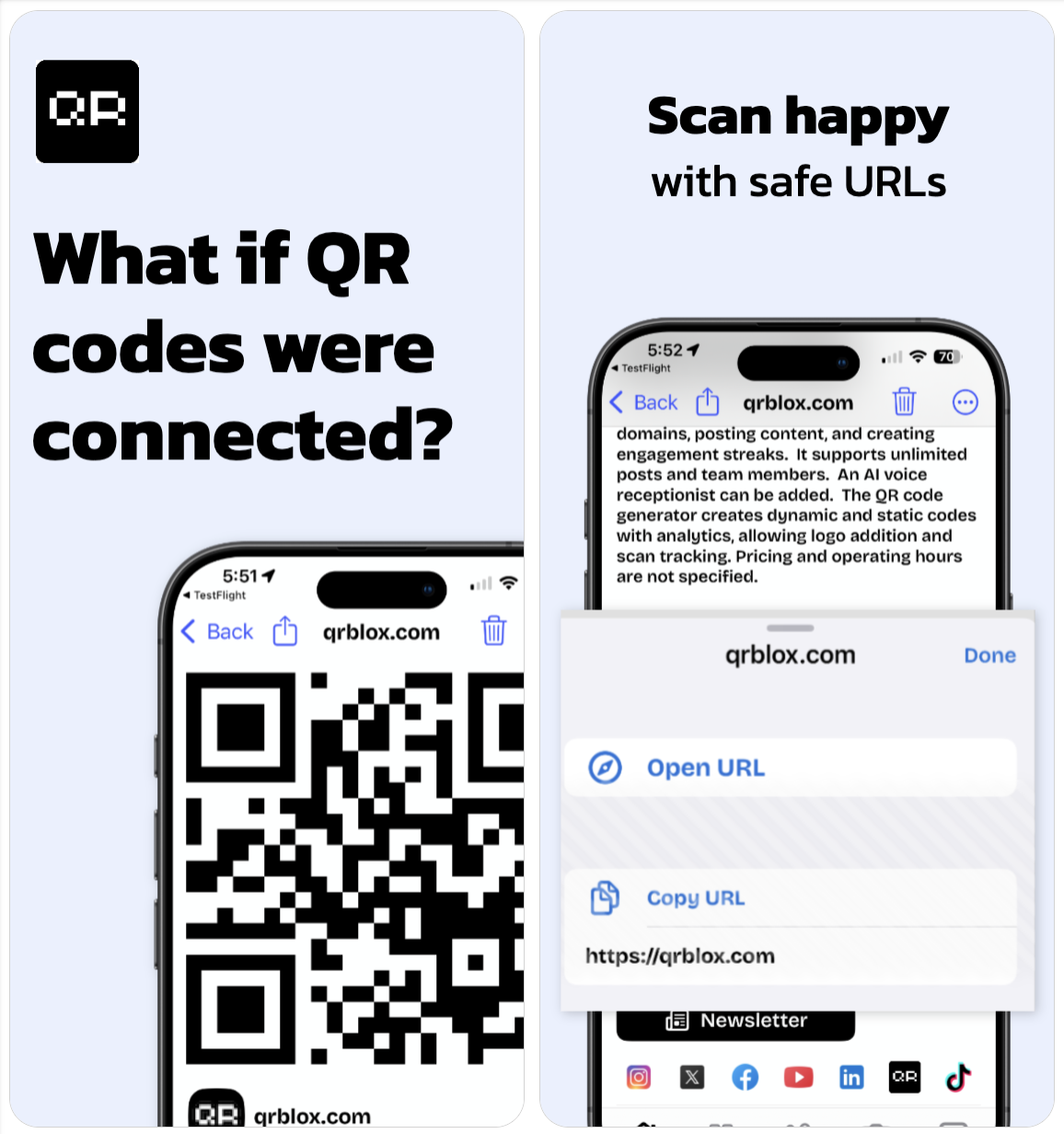
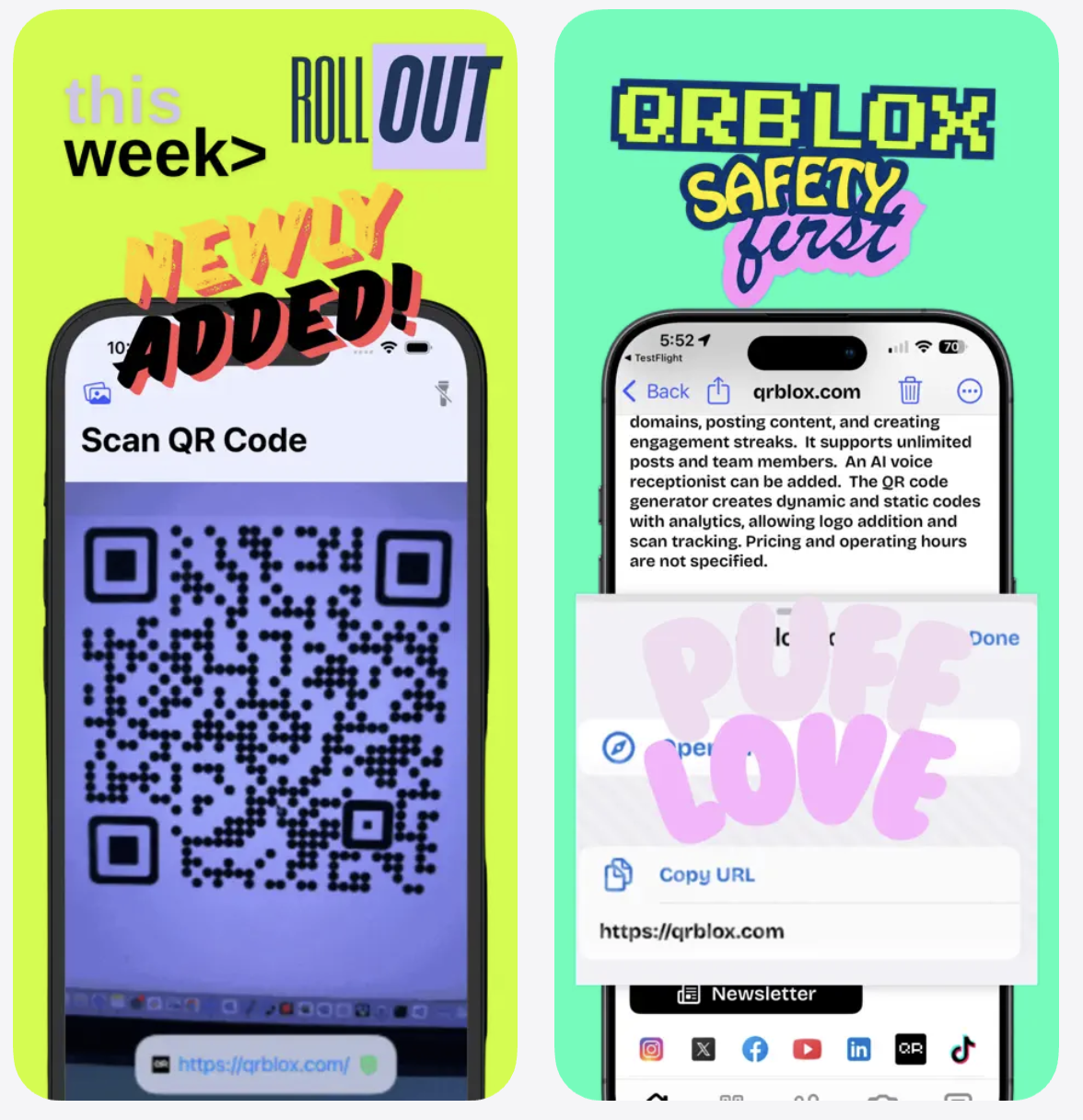
Safe and trusted scanning — Qrblox inspects URLs before opening them, protecting diners from malicious QR codes. When your customers see they’re scanning with Qrblox, they know the link has been verified — building trust in your restaurant’s digital presence.
For Diners
Scan from photos — Took a photo of a restaurant’s QR code to check the menu later? Qrblox lets you upload images from your gallery and scan the QR code anytime — no need to be at the table.
Restaurant history — Qrblox keeps a complete history of every QR code you scan. Visited a great restaurant last month and want to check their menu again? Just open your scan history.
Calendar and map views — See your dining history organized by date on the calendar view or by location on the map. It’s like a personal food diary built automatically from your scans.
AI chat and summaries — Not sure what a dish is? The AI summary feature breaks down the restaurant’s page so you can learn about dishes, ingredients, and specials without scrolling through a long webpage. Use the chat to ask specific questions like “do they have gluten-free options?” and get instant answers.
Audio readings — Prefer listening? Qrblox can read the AI summary of a restaurant’s menu aloud, which is great for accessibility or when you’re multitasking.
Best Practices for Restaurant QR Code Menus
If you’re a restaurant owner implementing QR code menus, keep these tips in mind:
Make codes visible and accessible — Place QR codes at eye level on every table. Include a brief instruction like “Scan to view menu” for customers who may not be familiar.
Link to a mobile-friendly page — PDFs work, but a responsive webpage is better. Make sure text is readable without zooming.
Keep the URL stable — Use a URL that won’t change. If you switch menu platforms, redirect the old URL rather than reprinting QR codes.
Test regularly — Scan your own codes weekly to make sure they still work and the menu is current.
Offer a fallback — Keep a few paper menus on hand for customers who prefer them or don’t have a smartphone.
Use a branded QR code — The free generator at Qrblox.com lets you create custom QR codes that match your restaurant’s branding.
The Bottom Line
QR code menus have moved from pandemic workaround to permanent fixture — and for good reason. They save money, reduce waste, improve the dining experience, and give restaurants real-time control over their menu. Combined with a powerful scanning app like Qrblox, the experience becomes even richer: AI summaries, chat, audio readings, scan history, and location mapping all come together to create a seamless connection between restaurants and diners.
Create your restaurant's QR code menu for free
Qrblox makes it easy to generate, scan, and manage QR codes — helping restaurants and diners connect.